Making your therapy website accessible is not just a technical requirement; it is an ethical responsibility. Clients seeking mental health support may live with visual, auditory, cognitive, or motor challenges. If your website is not accessible, they may be unable to read your content, book an appointment, or understand your services.
An ADA-compliant therapist website ensures every visitor, regardless of ability, can get the help they need without barriers.
“Accessibility is not an add-on for therapists it is a direct extension of the values of inclusion, empathy, and ethical care.”
An ADA-friendly site also reduces legal risks and improves your practice’s credibility. In this comprehensive guide, you’ll learn how to make your therapy website fully ADA compliant, what common accessibility gaps therapists often miss, and why accessibility is now a business advantage for mental health professionals—especially when paired with strategic seo services for behavioral health therapists that help your accessible website rank higher, attract the right clients, and grow your practice ethically and sustainably.
Why ADA Compliance Matters for Therapists
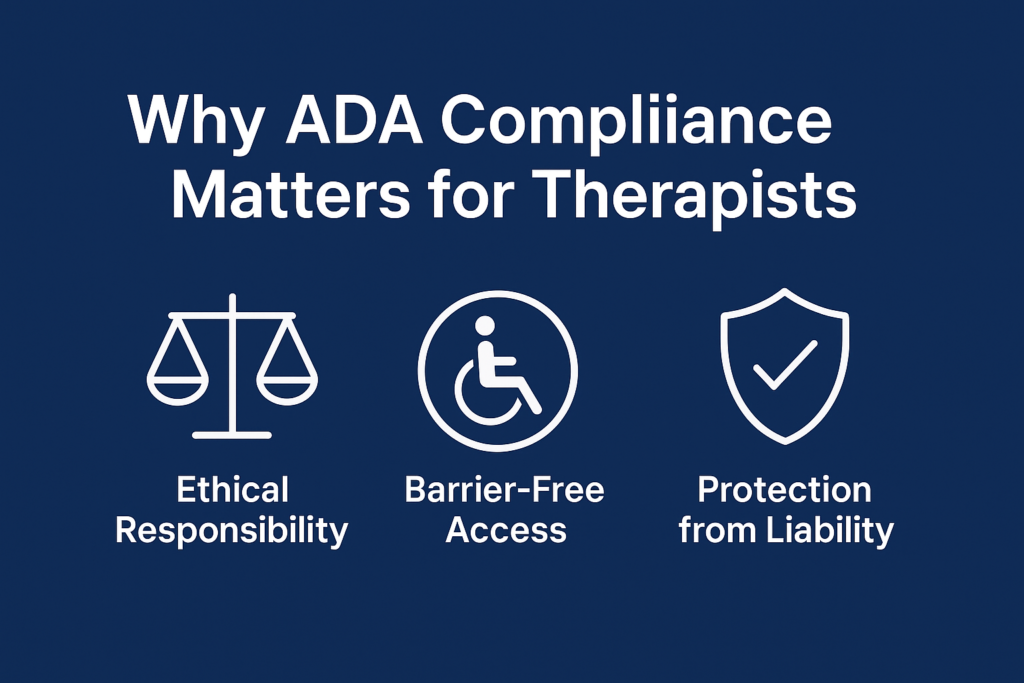
ADA (Americans with Disabilities Act) regulations ensure individuals with disabilities can access information, services, and digital platforms. As a therapy practice, ADA compliance is not just about meeting a standard—it aligns with core clinical values:
1. Ethical Responsibility
Therapists serve diverse clients, including individuals with anxiety, trauma histories, ADHD, autism, visual impairment, hearing impairment, and mobility limitations. Your digital presence should be as inclusive as your clinical practice.
2. Barrier-Free Access to Mental Health Support
A non-accessible site can prevent clients from:
- Finding your services
- Reading your content
- Scheduling an appointment
- Filling forms
- Accessing teletherapy links
Every barrier increases drop-offs and leads to lost inquiries.
3. Protection from Legal Liability
ADA lawsuits against medical and therapy websites have increased. Many claims arise from issues like:
- Low-contrast text
- Missing image alt tags
- Inaccessible forms
- Websites not functioning for screen readers
Compliance reduces exposure to costly litigation.
4. Better Client Experience
Accessibility overlaps with good UX:
- Larger buttons
- Clear navigation
- Strong color contrast
- Easy scheduling flow
This improves engagement and supports client retention.
Ready to Create An ADA-Compliant Website?
Talk to ADA-Compliant Website Development Experts Today
Core Foundations of an ADA-Compliant Therapist Website
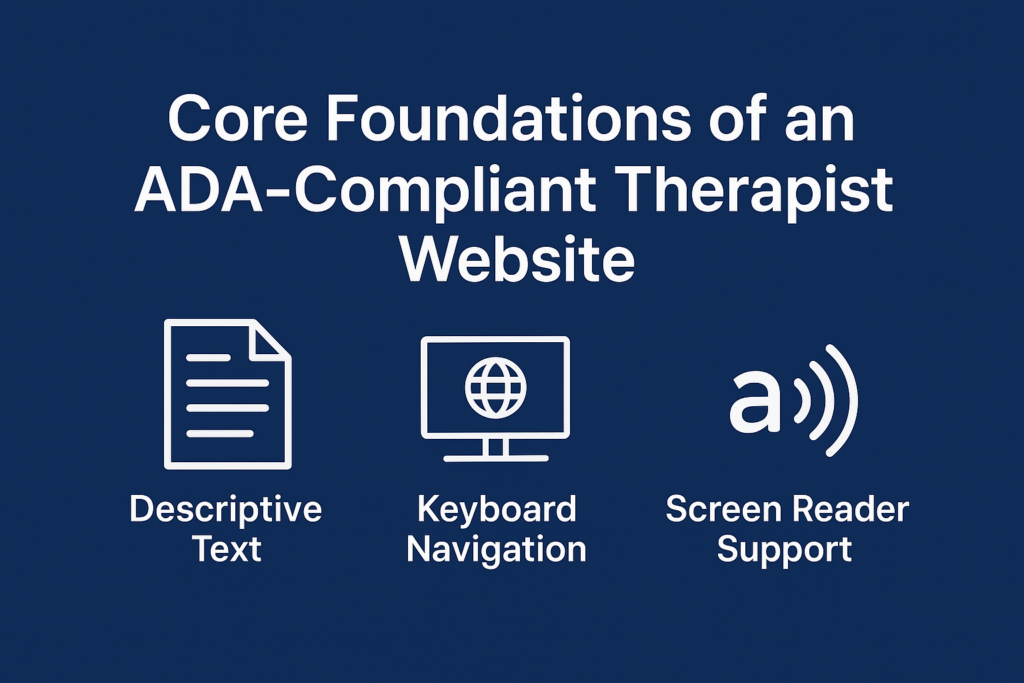
ADA compliance for websites is guided by WCAG 2.1 AA standards. These principles help ensure accessibility across multiple disabilities.
1. Perceivable
Clients must be able to see, hear, or consume your content in alternative ways.
Examples:
- Alt text for images
- High contrast text
- Captions on videos
- Screen-reader-friendly layout
2. Operable
Clients should be able to navigate your website without physical barriers.
Examples:
- Keyboard-only navigation
- Clear focus indicators
- Avoiding autoplay animations
3. Understandable
Content should be clear, structured, and predictable.
Examples:
- Proper heading hierarchy
- Simple language
- Clear form labels
4. Robust
Your site should work with assistive technologies and on all devices.
Examples:
- Screen reader compatibility
- Responsive design across phones, tablets, and laptops
These principles form the backbone of an ADA compliant therapist website.
Step-by-Step Blueprint: How to Make Your Therapy Website ADA Compliant
Below is the complete, actionable blueprint therapists can follow.
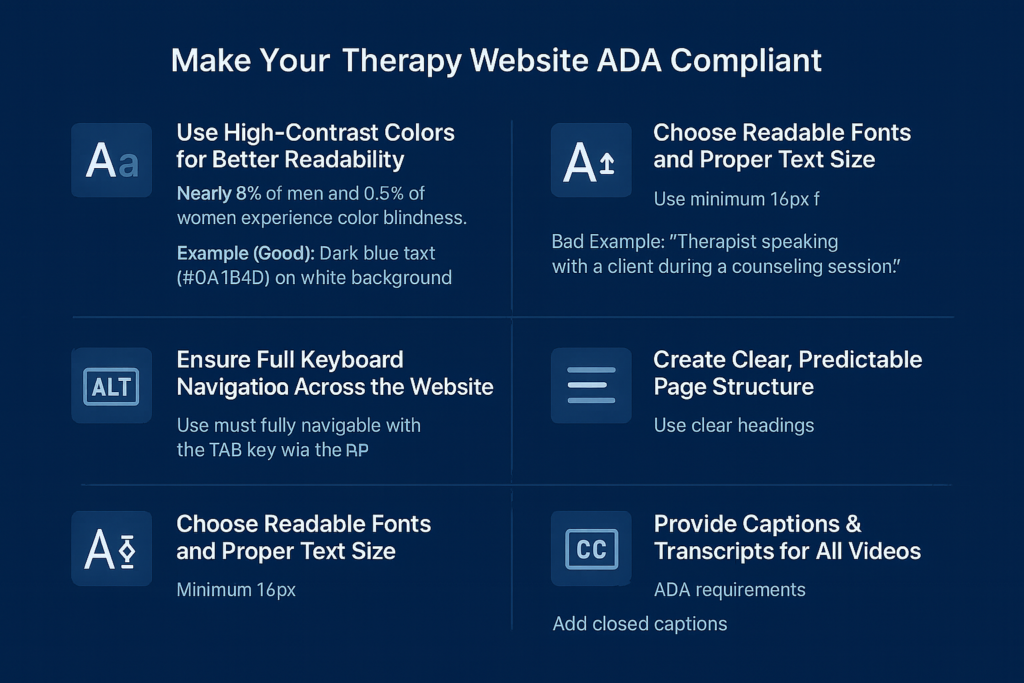
1. Use High-Contrast Colors for Better Readability
Nearly 8% of men and 0.5% of women experience some form of color blindness.
For anxious users, low contrast text is frustrating and overwhelming.
Best Practices:
- Maintain a contrast ratio of 4.5:1 or higher
- Avoid light gray text on white background
- Use darker shades (e.g., deep blue) for headings and CTAs
- Test with WebAIM’s contrast checker
Example (Good):
Dark blue text (#0A1B4D) on white background
Example (Poor):
Light gray text (#A7A7A7) on white
2. Add Descriptive Alt Text to All Images
Alt text allows screen readers to describe images to visually impaired users.
For therapy websites:
Write alt text that clarifies purpose, not aesthetics.
Bad Example: “Image.”
Good Example: “Therapist speaking with a client during a counseling session.”
Include alt text for:
- Clinician photos
- Office images
- Icons
- Blog banners
- Infographics
Alt text supports accessibility and helps clients who rely on assistive technology.
3. Ensure Full Keyboard Navigation Across the Website
Some clients cannot use a mouse due to motor disabilities, chronic pain, or neurological conditions.
Your website must be fully navigable with the TAB key.
Checklist:
- TAB moves through elements in the correct order
- A visible focus outline appears
- Every button, link, and form field is accessible
- “Skip to main content” link is present for screen readers
Important for appointment booking pages.
4. Create Clear, Predictable Page Structure
Mental health clients benefit from predictable navigation—especially clients with ADHD, anxiety, or processing challenges.
Use:
- Clear H1, H2, H3 structure
- Short paragraphs
- Consistent placement of CTA buttons
- Logical flow of service pages
Avoid clutter, pop-ups, and unpredictable layouts.
5. Choose Readable Fonts and Proper Text Size
Typography affects accessibility more than most therapists realize.
Best Practices:
- Minimum 16px font size
- Sans-serif fonts (Lato, Poppins, Inter, Roboto)
- Line height of 1.5
- Avoid uppercase paragraphs
- Avoid decorative fonts for core text
Readable text ensures that overwhelmed or struggling visitors can follow your content comfortably.
6. Provide Captions & Transcripts for All Videos
Therapy websites often include:
- Intro videos
- Meditation guides
- Psychoeducation content
- Group session explanations
ADA Requirements:
- Add closed captions
- Provide transcripts for audio
- Avoid auto-playing videos (can trigger anxiety)
7. Make Your Forms Accessible
The inquiry form is the highest-converting element on your site.
Checklist for compliance:
- Labels must be descriptive
- Error messages must be visible and clear
- Fields must be keyboard-friendly
- Form controls need proper ARIA labels
- Submit button must be screen-reader accessible
Example:
Instead of “Error!” → use “Please enter a valid email address.”
8. Ensure Mobile Accessibility
80–90% of therapy clients search from their phones.
Mobile ADA Guidelines:
- Large tappable buttons
- No horizontal scrolling
- Text that reflows correctly
- No zoom required to read text
- High contrast maintained on mobile
- Keyboard navigation still functional
Therapy websites often fail mobile ADA checks because they rely too heavily on design-only templates.
9. Use ARIA Labels Where Necessary
ARIA labels help screen readers interpret icons, menus, and buttons.
Examples:
- Hamburger menu
- Dropdown for “Services”
- Appointment calendar icon
- Next/Previous arrows in sliders
Good Example:
<button aria-label="Open appointment booking form">
Avoid overusing ARIA—it should supplement, not replace, semantic HTML.
10. Reduce Pop-Ups and Limiting Animations
Some design elements can be overstimulating or triggering for clients:
- Flashing animations
- Sudden pop-ups
- Automatic sliders
- Fast-moving elements
Trauma-informed UX helps ensure safety and comfort.
Recommendations:
- Allow users to close pop-ups easily
- Disable autoplay sliders
- Provide reduced-motion settings
This makes your site more welcoming for clients with sensory sensitivities.
ADA Compliance for Teletherapy Platforms
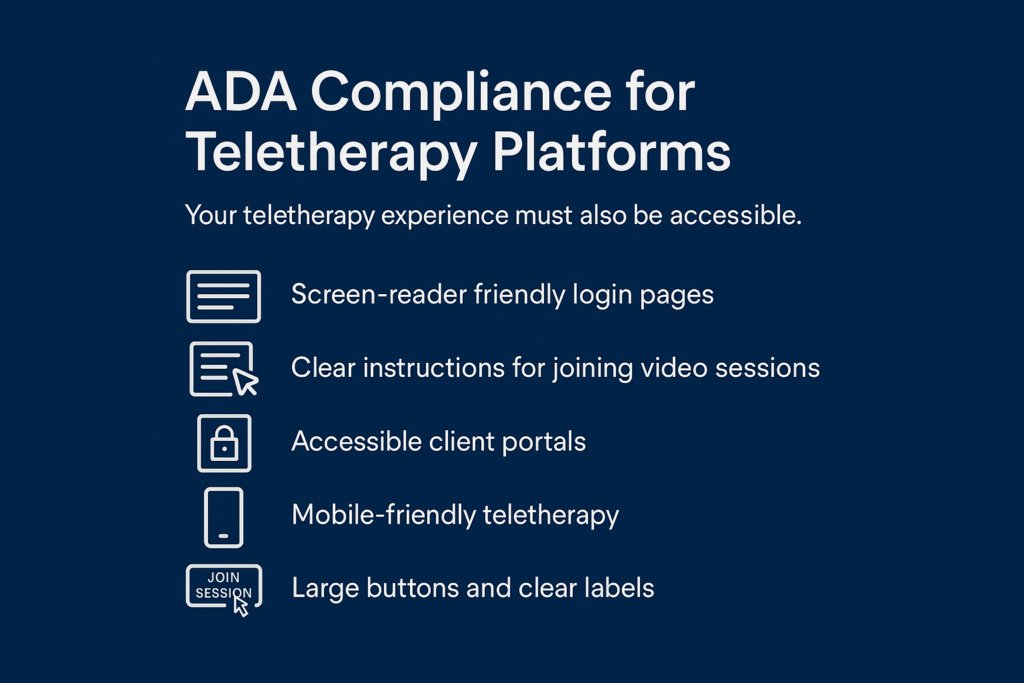
Your teletherapy experience must also be accessible.
Key Areas to Optimize:
1. Screen-reader-friendly login pages
Clients using NVDA or VoiceOver must be able to navigate:
- Login fields
- Join session buttons
- Account recovery links
2. Clear instructions for joining video sessions
Provide simple, step-by-step instructions with labels.
3. Accessible client portals
EHR and scheduling portals must support:
- Keyboard navigation
- High contrast mode
- Proper ARIA support
4. Mobile-friendly teletherapy
Many clients join sessions from their phones.
Ensure the portal is responsive across all devices.
5. Large buttons and clear labels
Buttons like “Join Session” should be highly visible and easy to tap.
Teletherapy accessibility is often overlooked, but it is part of an ADA-compliant therapist website.
Common ADA Mistakes Most Therapist Websites Make
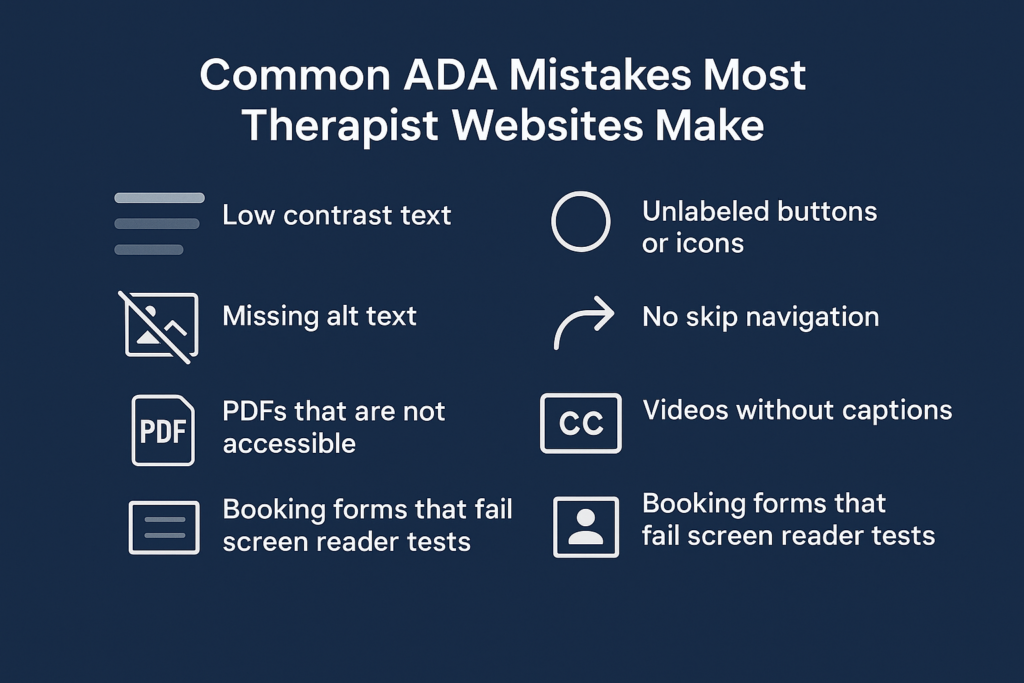
Here are the issues MHIS sees frequently during accessibility audits:
1. Low contrast text
Especially beige/peach themes that are common in therapy branding.
2. Missing alt text
Happens often on clinician headshots and blogs.
3. Unlabeled buttons or icons
Especially on mobile menus.
4. PDFs that are not accessible
Intake forms often fail accessibility checks.
5. No skip navigation
Screen readers must jump directly to content.
6. Videos without captions
Especially common on “About Me” pages.
7. Booking forms that fail screen reader tests
Leads to lost inquiries for practices.
8. Small text and overly decorative fonts
Common in therapists’ minimalist website designs.
Tools You Can Use to Test ADA Compliance
These tools help therapists quickly check accessibility:
1. WAVE Accessibility Tool
Highlights contrast issues, missing alt text, ARIA errors.
2. Lighthouse Accessibility Audit (in Chrome)
Scores accessibility from 0 to 100.
3. WebAIM Contrast Checker
Verifies color contrast ratios.
4. NVDA / VoiceOver screen reader testing
Try navigating your own website using only keyboard + screen reader.
5. AccessiBe, UserWay (optional widgets)
Helpful but not replacements for proper compliance.
Why ADA Compliance Helps Therapists Attract More Clients
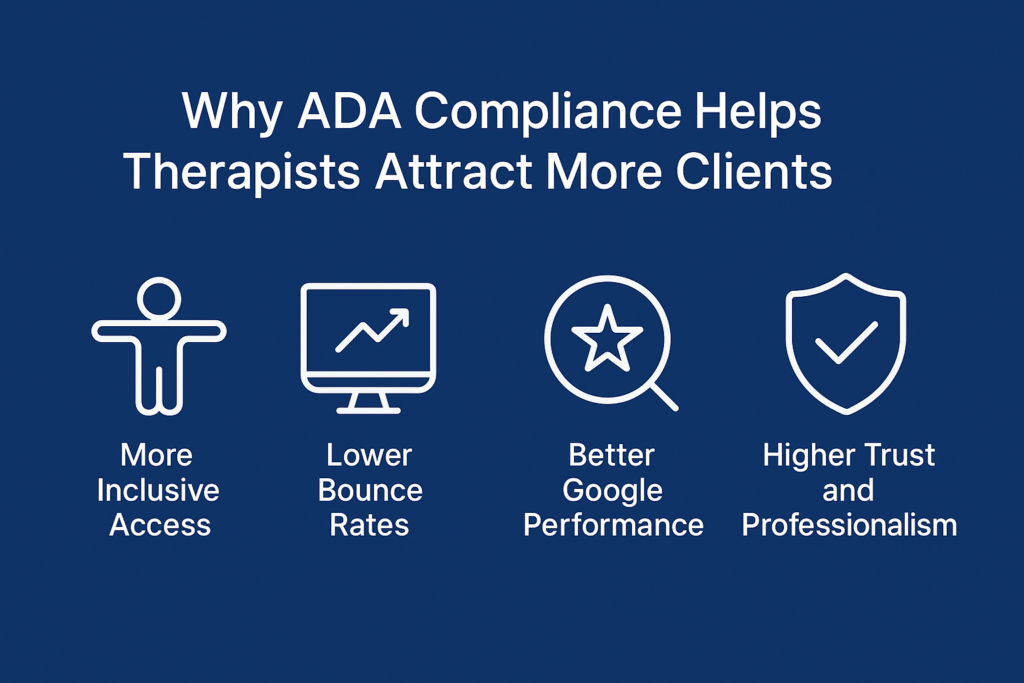
ADA compliance improves both client experience and conversion rates.
1. More inclusive access
Neurodivergent, visually impaired, elderly, and trauma-affected clients feel safer engaging with your site.
2. Lower bounce rates
Accessible layouts reduce confusion and overwhelm.
3. Better Google performance
Google rewards:
- Readability
- Mobile UX
- Clean structure
- Semantic HTML
All part of ADA compliance.
4. Higher trust and professionalism
Clinicians who invest in accessibility signal:
- Empathy
- Ethics
- Attention to detail
- Inclusivity
This builds credibility and strengthens your online presence.
How Mental Health IT Solutions Creates ADA-Compliant Therapist Websites
MHIS specializes in designing and developing therapy websites that meet both ADA and clinical standards.
What We Deliver:
- Fully ADA and WCAG 2.1 AA–compliant layouts
- Screen-reader–optimized pages
- Accessible form structures
- High-contrast, trauma-informed UI
- Accessible typography and spacing
- Mobile-first ADA compliance
- Accessibility audits and fixing reports
- Teletherapy accessibility improvements
- HIPAA-secure and SEO-friendly builds
We combine accessibility, user psychology, and modern design to create inclusive, ethical, and high-performing websites for therapists.
Frequently Asked Questions
A site must follow WCAG 2.1 AA standards high contrast text, alt text, clear structure, screen-reader support, keyboard navigation, accessible forms, and more.
Healthcare providers, including therapists, must ensure equal access to digital experiences. ADA compliance helps prevent legal risk.
Yes. Most platforms—including WordPress, Squarespace, and Wix—can be upgraded with proper audits and fixes.
Costs typically range from $500 to $2,000, depending on size, platform, and issues. MHIS provides full audits and remediation.
Indirectly, yes. Accessibility improves readability, structure, mobile UX, and engagement factors search engines value.
Conclusion
Building an ADA-compliant therapist website is essential for ethical practice, client safety, and long-term growth. Accessibility helps clients feel supported from their very first digital interaction. A compliant site also improves user experience, increases engagement, and strengthens your credibility in a competitive market.
ADA compliance is not a burden it is an investment in client care and practice success.