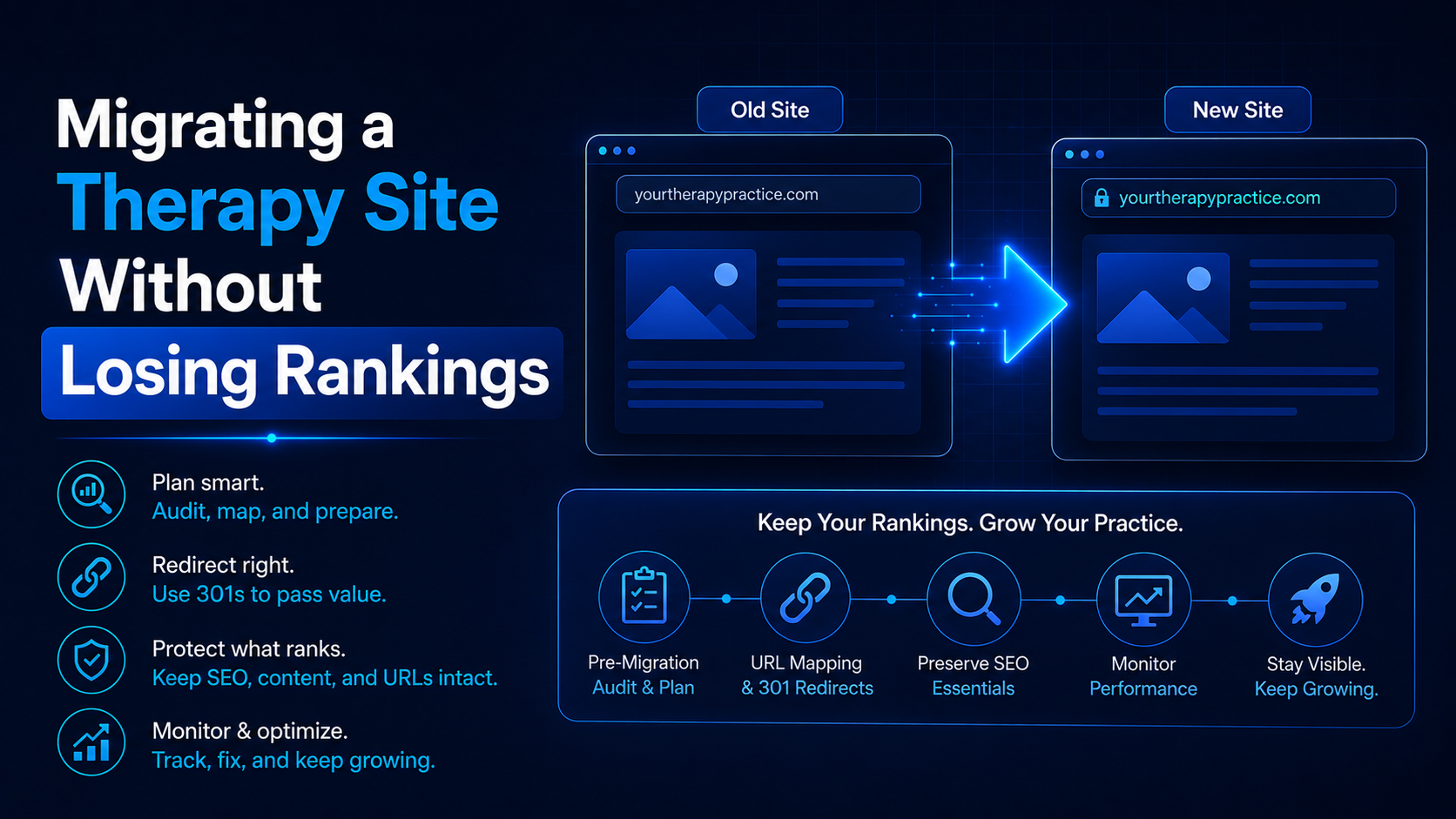
Migrating a therapy site without losing rankings comes down to one requirement above all others: a complete, verified redirect map from every existing URL to its new equivalent, built and tested before the new site goes live. This holds true regardless of which platform you are leaving or which one you are moving to. Google ranks specific URLs, not domains or brands, so any URL that changes without a redirect takes its rankings with it into the void.
Most practices treat a website migration as a design project with SEO as an afterthought. That order is backwards. A migration is an SEO project that happens to involve a new design, and the practices that protect their rankings are the ones that plan the technical transfer first and the visual rebuild second.
This guide lays out the platform-agnostic framework for a safe migration: the redirect map, the technical checklist, the monitoring plan, and the mistakes that cost practices their rankings regardless of which platforms are involved. It is written for practice owners and the people who manage their marketing.
In short: before you touch a new design, export every live URL on your current site, map each one to its destination on the new site, and implement a 301 redirect for every single one. Test the full map on staging before launch, then monitor closely for four to eight weeks. Skip any part of this and you are gambling with rankings your practice has spent years earning.
Why does a migration put your rankings at risk in the first place?
Search rankings are tied to individual URLs, not to your brand or your domain as a whole. Google has learned, over time, that a specific URL answers a specific query well, and that trust is what produces a ranking. When a migration changes URLs, whether through a new platform, a new domain, or a restructured site, that trust does not automatically follow unless you explicitly tell Google where the content moved.
A 301 redirect is that explicit signal. It tells search engines, and every browser and backlink pointing to the old URL, that the page has permanently relocated, and it passes the accumulated ranking signal to the new address. Without it, the old URL simply returns an error, and everything that URL had earned, rankings, backlinks, and direct traffic, disappears with it.
The redirect map: the one document that determines success or failure
A redirect map is a complete, one-to-one list connecting every existing URL on your current site to its exact destination on the new one. Building this map correctly, before any other migration work begins, is the single highest-leverage step in the entire process.
Start by exporting every indexed URL from your current site, including blog posts, service pages, location pages, and any archive or category pages that may be ranking without your attention. Cross-reference this list against Google Search Console to confirm nothing indexed gets missed. For each URL, record its destination on the new site, and flag any page being consolidated, renamed, or removed so a deliberate decision gets made rather than an accidental gap.
| Redirect map field | What to record | Why it matters |
|---|---|---|
| Old URL | The exact live path, copied precisely | Even minor mismatches break the redirect |
| New URL | The confirmed destination on the new site | This is what receives the transferred ranking signal |
| Current ranking status | Whether the page ranks, and for what | Prioritizes which redirects need the most careful testing |
| Redirect type | Almost always a 301 (permanent) | 301s pass ranking signal; other redirect types often do not |
| Verified before launch | Confirmed working on staging | Catches broken mappings before they cost live traffic |
The technical checklist for a rankings-safe migration
Beyond the redirect map itself, a handful of technical steps determine whether a migration protects or erodes your existing SEO foundation.
Preserve your metadata: titles, meta descriptions, alt text, and any existing schema markup should transfer along with the content itself, not get rebuilt from scratch. Confirm your XML sitemap reflects the new site structure and gets resubmitted to Google Search Console the moment the new site goes live. Verify your name, address, and phone number remain identical across the new site and every external listing, since local rankings are especially sensitive to this kind of inconsistency during a platform change. And test the entire staging site, every redirect, every form, every page, before launch, not after.
Building and testing a verified redirect map is the core of every migration project handled by our website design and development services team.
What should stay the same, and what is safe to improve?
The instinct during a migration is often to change everything at once: new URLs, new structure, new categories. Resist that instinct wherever possible. Every URL change adds another redirect that has to be built and tested correctly, and every additional redirect is another opportunity for something to be missed.
What is genuinely safe, and often the smartest use of a migration, is improving what sits underneath the URLs: page speed, mobile responsiveness, internal linking structure, and schema markup. These improvements strengthen your SEO without introducing redirect risk, because the URL itself, and the ranking trust attached to it, stays intact.
How long does recovery take, and how do you monitor it?
Expect a temporary dip in rankings immediately after launch. This is normal: Google needs time to recrawl the new site, confirm the redirects, and transfer ranking signals to the new URLs. A well-executed migration typically sees rankings stabilize and recover within four to eight weeks.
Monitor Google Search Console closely during this window. Watch the Coverage report for a spike in errors, which usually points to a missed or broken redirect. Watch Performance data for pages that dropped and have not recovered by week six or seven; those are the pages worth auditing first. A migration that shows no recovery after eight weeks almost always has a specific, identifiable redirect problem rather than a broader SEO issue.
If your rankings have not recovered after a recent migration, our website team can audit your redirect map and identify exactly what was missed.
What mistakes cost practices the most rankings during a migration?
The most damaging mistake, by a wide margin, is launching without a complete redirect map, leaving some portion of the old site to return errors instead of forwarding to its new home. The second is changing URL structure unnecessarily, multiplying the number of redirects required and the odds that one gets missed. The third is skipping metadata migration, which quietly reduces click-through rates even on pages that technically still rank. The fourth is neglecting local SEO consistency, letting the practice’s name, address, or phone number drift out of sync with external listings during the transition. The fifth is treating launch day as the finish line instead of the start of a several-week monitoring period.
Frequently asked questions
What is the most important part of a website migration for SEO?
The redirect map. A complete, verified, one-to-one mapping of every existing URL to its new destination, implemented as 301 redirects, is what protects the rankings your practice has already earned.
How long does it take for rankings to recover after a migration?
Typically four to eight weeks for a correctly executed migration. If rankings have not stabilized by then, it usually points to a specific missed or broken redirect worth auditing immediately.
Does it matter which platform I am migrating from or to?
The redirect-map principle applies regardless of platform. Certain platforms, such as Squarespace, carry specific URL structure quirks worth planning around, but the core requirement, a complete and tested redirect map, is the same for every migration.
Can I improve my website’s design and SEO at the same time during a migration?
Yes, and it is often the smartest time to do it. Improve elements underneath the URL, such as speed, mobile design, and internal linking, while keeping the URL structure itself as stable as possible to limit redirect risk.
Do I need to update my Google Business Profile during a migration?
Yes, if your domain or URL structure changes. Confirm your Business Profile points to the correct new website address and that your name, address, and phone number remain consistent with the new site.
The bottom line
A website migration protects or destroys years of accumulated SEO value based on one document: the redirect map. Build it completely before touching a new design, preserve metadata and local consistency, test everything on staging, and monitor closely for weeks after launch. Practices that follow this sequence come out of a migration with a better site and the rankings they started with. Practices that skip it are often rebuilding from a much weaker starting position than before they moved.
If you are planning a website migration and want a verified redirect map built before you touch your live site, talk to our team and we will protect your rankings through the move.