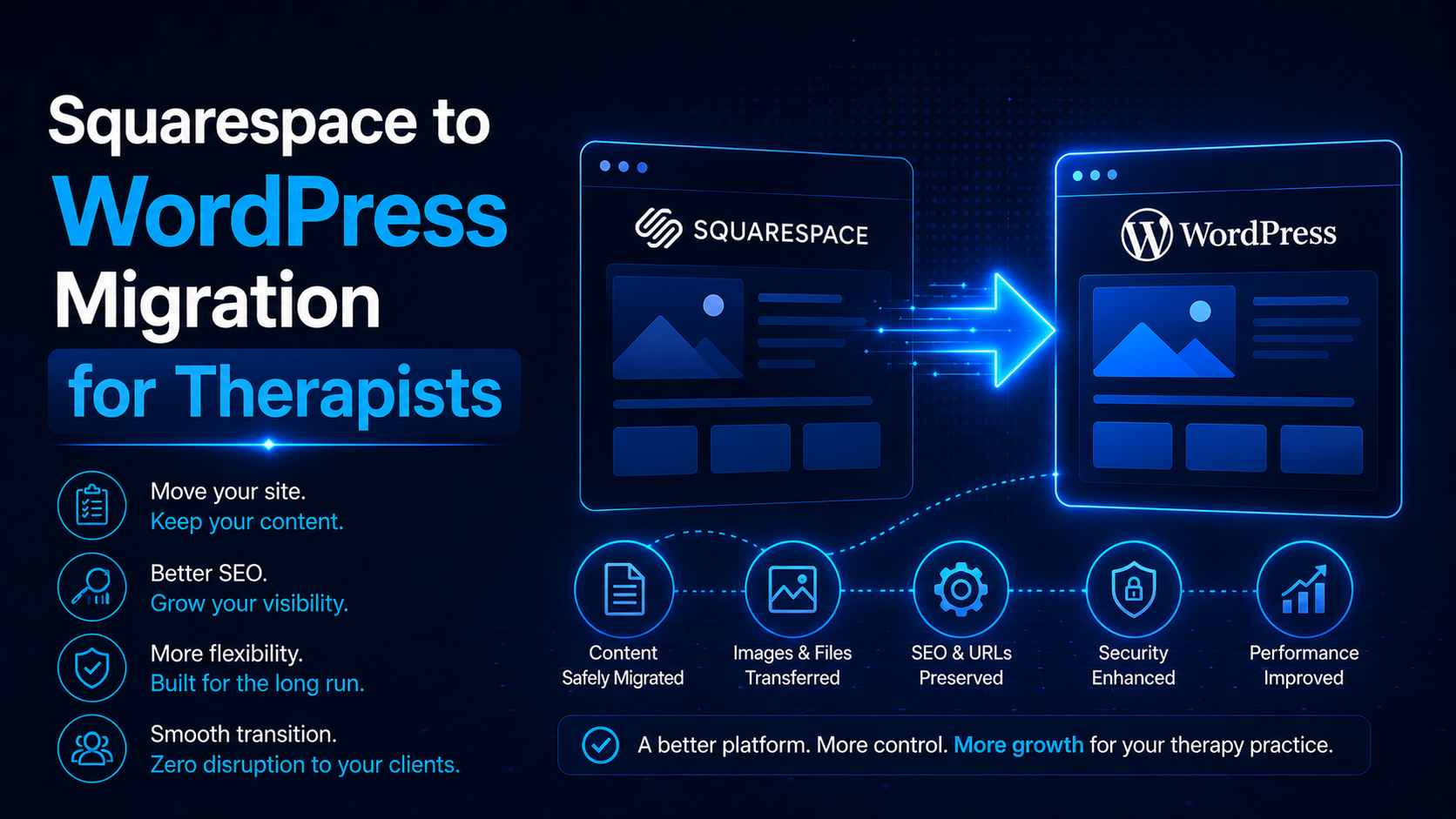
A Squarespace to WordPress migration for therapists moves a practice’s content, design, and search rankings off Squarespace’s closed platform onto WordPress, where the practice gains full ownership and far greater SEO control. The move carries one specific technical risk that catches most practices off guard: Squarespace’s URL structure often does not match how a new WordPress site organizes pages by default, and that mismatch is the single most common cause of lost rankings during this particular migration.
Understanding that risk before you start is what separates a migration that protects years of SEO progress from one that quietly erases it. This guide explains why practices leave Squarespace, the specific URL structure trap to plan around, the full migration checklist, and the realistic timeline for a therapy website move. It is written for practice owners and the people who manage their marketing.
In short: a Squarespace to WordPress migration protects your rankings when every existing URL, including Squarespace’s often-nested blog and page paths, is mapped to a correct 301 redirect on WordPress. Miss that mapping and you lose the SEO equity your practice has spent years building.
Why do therapy practices leave Squarespace?
Three reasons come up consistently. Squarespace’s SEO controls are more limited than they appear: restricted schema options, less flexible URL customization, and a content structure that was not designed for the pillar-and-cluster strategy that drives sustained organic growth. WordPress removes that ceiling, which is the foundation behind therapist website development.
The second reason is ownership. A Squarespace site lives entirely inside Squarespace’s ecosystem; a WordPress site is a portable, fully owned asset that a practice controls independent of any vendor’s pricing changes or platform decisions. The third is functionality: HIPAA-conscious form plugins, scheduling integrations, advanced SEO tools like Rank Math, and deep customization options are far more available on WordPress than within Squarespace’s template system.
The URL structure trap that costs Squarespace migrations their rankings
This is the risk unique to this specific migration, and it is worth understanding in detail before anything else. Squarespace frequently structures blog and page URLs in ways that do not translate cleanly to a standard WordPress setup. A Squarespace blog post might live at a path built around a collection name, while category or product pages follow an entirely different pattern. Practices that rebuild their site on WordPress without mapping these exact paths often end up with URLs that look similar but are not identical, which breaks the 301 redirect chain silently.
The fix is straightforward but easy to skip under time pressure: export a complete list of every live Squarespace URL, including blog posts, service pages, and any nested collection paths, before writing a single line of the new WordPress site. Map each one individually to its new WordPress equivalent. Do not assume the migration tool or platform will handle this automatically; verify every redirect manually before launch.
The Squarespace to WordPress migration checklist
Work through these steps in sequence. The URL audit in step one is where most of the risk described above gets resolved.
| Step | What to do | Why it matters |
|---|---|---|
| 1. Export every live URL from Squarespace | Include blog posts, pages, and any collection or nested paths | Squarespace’s URL patterns are the highest-risk part of this migration |
| 2. Build the new site on staging WordPress | Recreate content, structure, and design without touching the live Squarespace site | Keeps your current rankings untouched until launch |
| 3. Map each Squarespace URL to its WordPress equivalent | One-to-one mapping, including any nested collection paths | Prevents the silent redirect failures common to Squarespace moves |
| 4. Build the complete 301 redirect map | Implement every mapped redirect on the new WordPress site | This is what carries your existing rankings forward |
| 5. Migrate metadata and images | Move titles, meta descriptions, alt text, and image files with their SEO data intact | Protects click-through rates and image search visibility |
| 6. Configure technical SEO on WordPress | Install Rank Math, submit an XML sitemap, set up robots.txt | Rebuilds the technical foundation Google needs to trust the new site |
| 7. Test every redirect and form on staging | Click through the full site before launch, including every blog URL | Catches mismatched or broken redirects before they go live |
| 8. Launch and resubmit to Search Console | Point your domain to WordPress, submit the new sitemap immediately | Signals to Google that the new structure is ready to crawl |
| 9. Monitor closely for 4 to 8 weeks | Watch rankings, indexing, and crawl errors in Search Console | Migrations settle gradually; early monitoring catches missed redirects fast |
A verified, one-to-one URL map is the part of a Squarespace migration most practices underestimate. Our website design and development services team builds and tests this map before any redirect goes live.
What should transfer exactly, and what is worth improving?
Preserve your existing content, your blog history, and your metadata wherever possible, since that is where your accumulated SEO value lives. But a migration is also the natural point to fix structural issues Squarespace’s templates never allowed, including internal linking between related pages, schema markup, HIPAA-conscious form handling, and page speed.
The rule to hold onto: change as little as possible about the URLs themselves, since every change adds redirect risk, while improving everything underneath those URLs, since that is exactly what a more flexible platform makes possible.
If Squarespace’s template limits have been holding your practice site back, our website design and development team can map what a WordPress rebuild would let you fix.
How long does a Squarespace to WordPress migration take?
Plan for four to eight weeks from the initial URL audit to launch, with the exact timeline depending on how much content the site holds and how complex its existing URL structure is. Sites with deeply nested collections or a large blog archive typically sit at the longer end of that range, since the URL mapping step takes real time to do correctly.
Expect a brief dip in rankings immediately after launch as Google recrawls the new site, with recovery typically completing within four to eight weeks if the redirect map was built accurately. If rankings have not recovered by then, it is almost always a sign that a specific URL pattern, often a nested blog or collection path, was missed in the redirect map and needs an immediate audit.
What mistakes are specific to Squarespace migrations?
Beyond the general migration mistakes any platform move can suffer, Squarespace migrations fail in a few specific ways. The most common is assuming Squarespace’s blog URLs will match a standard WordPress structure without checking, which silently breaks redirects for an entire content category. The second is missing nested collection or category paths that do not resemble the site’s other URLs. The third is losing image SEO data during the transfer, since Squarespace and WordPress handle image metadata differently. The fourth is skipping a full click-through test of the staging site before launch, which is the last checkpoint for catching a broken redirect before it costs live traffic.
Frequently asked questions
Why do Squarespace migrations lose more rankings than other platform moves?
Squarespace often structures blog and collection URLs differently from a standard WordPress setup. When those specific paths are not individually mapped and redirected, the mismatch breaks the connection between old and new pages, and rankings drop.
How is a Squarespace to WordPress migration different from a Wix migration?
The core redirect principles are the same, but Squarespace’s URL patterns, particularly for blog posts and collections, are more prone to mismatching a standard WordPress structure. That makes the URL audit and mapping step more critical for Squarespace specifically.
Will my blog content and rankings transfer to WordPress?
Yes, if every blog URL is mapped and redirected individually, including any nested collection paths. Content, metadata, and accumulated SEO value all transfer when the redirect map is complete and accurate.
How long should I expect rankings to take to recover?
Typically four to eight weeks after a correctly executed migration. A longer delay usually points to a missed redirect, most often in the blog or collection URL structure, and is worth auditing right away.
Do I need a developer for a Squarespace to WordPress migration?
Given the URL structure risk specific to Squarespace, most practices benefit from working with a developer or agency experienced in SEO-safe migrations from this platform, rather than attempting the URL mapping manually.
The bottom line
A Squarespace to WordPress migration rewards practices that treat the URL audit as the most important step in the entire process, not an afterthought. Map every Squarespace URL, including nested blog and collection paths, to its exact WordPress equivalent, build a complete redirect map, preserve metadata and images, and monitor closely after launch. Handled this way, the migration protects the rankings you have already earned and gives your practice a platform built for the SEO growth ahead.
If you are planning a Squarespace to WordPress migration and want your URL structure mapped correctly before you touch your live site, talk to our team and we will build the redirect plan first.