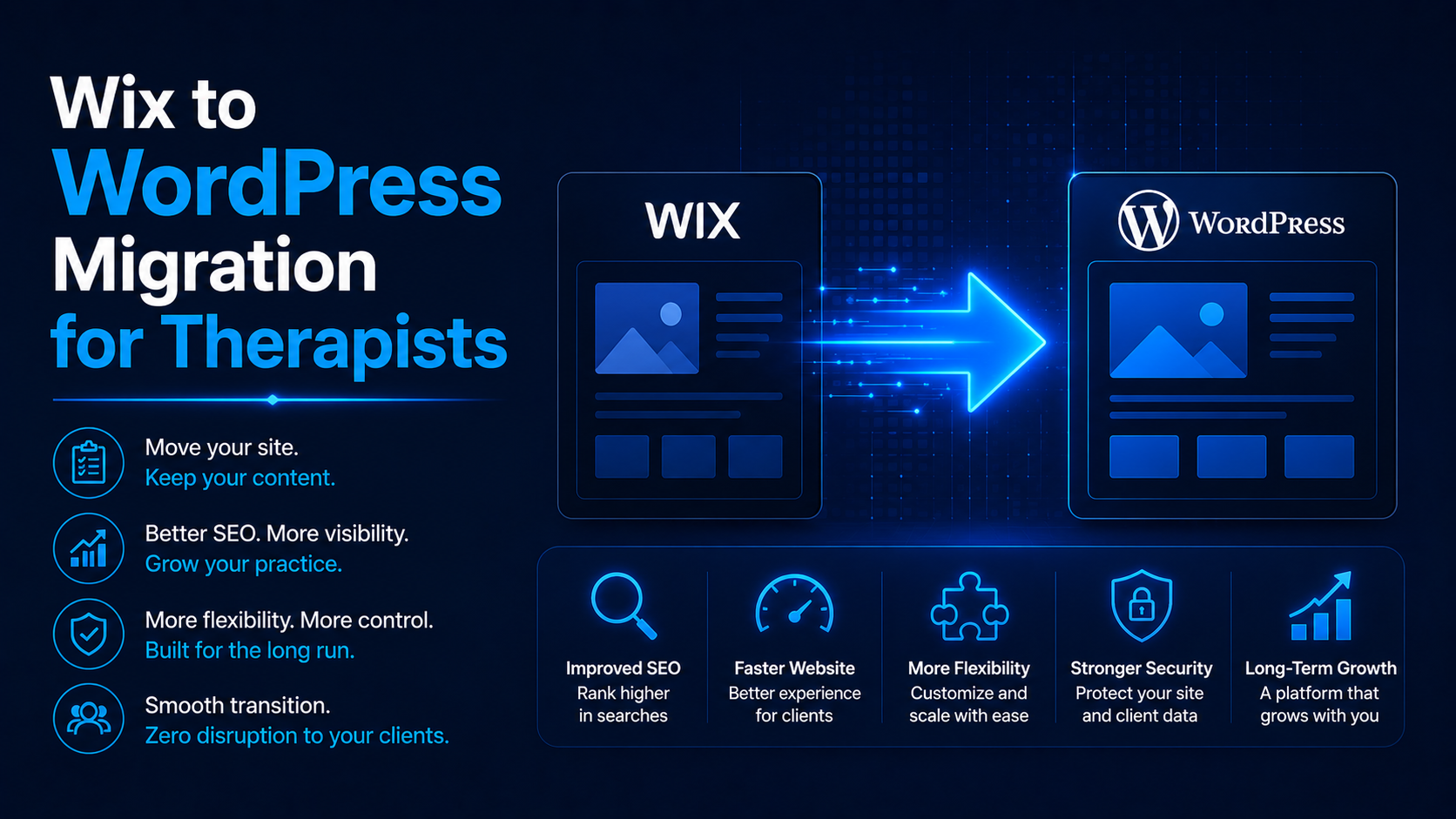
A Wix to WordPress migration for therapists is the process of moving a practice website’s content, structure, and search rankings from Wix’s closed platform to WordPress, done correctly through a mapped redirect strategy so Google keeps your existing authority instead of starting over. The risk is real: a migration handled without redirects, without preserving URL structure, and without a technical audit will cost a practice months of rankings it worked years to build. The opportunity is just as real: WordPress gives a practice the ownership, SEO flexibility, and long-term control that Wix’s platform does not.
This is a commercial decision, not just a technical one. Practices move for three concrete reasons: Wix limits how deeply a site can be optimized for search, it locks core functionality behind its own ecosystem, and it caps how much control a practice has over its own asset. WordPress removes all three limits, but only if the move itself is executed with the same rigor as any SEO project.
This guide covers why practices migrate, the exact checklist that prevents ranking loss, the redirect strategy that protects existing SEO equity, and the realistic timeline for a therapy website move. It is written for practice owners and the people who manage their marketing.
In short: a Wix to WordPress migration succeeds or fails on one thing: whether every existing URL redirects correctly to its new equivalent. Get the redirect map right, preserve your content and metadata, and rebuild on a platform built for real SEO growth, and the migration becomes a net gain within weeks rather than a setback.
Why do therapy practices migrate from Wix to WordPress?
Three limitations drive most migration decisions. Wix restricts technical SEO control at a level that matters in a competitive niche: limited schema flexibility, restricted URL structure options, and a platform architecture that was not built for content-heavy, cluster-based SEO strategies. WordPress removes that ceiling entirely, which is why it underpins the approach covered in therapist website development.
Ownership is the second driver. A Wix site is built inside Wix’s proprietary system; a WordPress site is a portable asset a practice fully controls, independent of any single vendor. The third is the plugin ecosystem: SEO tools like Rank Math, HIPAA-conscious form plugins, scheduling integrations, and performance tools all give a WordPress site a level of customization Wix cannot match. For a practice planning long-term content growth, WordPress is the platform built for where the site needs to go, not just where it is today.
What happens to your Google rankings during a migration?
Rankings are earned by Google trusting a specific URL to answer a specific query well. Change that URL without telling Google where the content moved, and that trust does not transfer. This is the single biggest risk in any migration, and it is entirely preventable with a correct redirect map.
A 301 redirect tells Google and every visitor that a page has permanently moved, and it passes the ranking signal from the old URL to the new one. Miss a redirect, and that page’s rankings simply disappear, along with any traffic and inquiries it was generating. This is why migration has to be treated as an SEO project first and a design project second, and it is exactly where the fundamentals in SEO for therapists apply directly to a platform move.
The Wix to WordPress migration checklist
Follow this sequence. Skipping steps, especially the redirect mapping, is the most common cause of post-migration ranking loss.
| Step | What to do | Why it matters |
|---|---|---|
| 1. Audit every existing URL | Export a full list of live Wix URLs, indexed pages, and current rankings | You cannot redirect what you have not mapped |
| 2. Rebuild the site on WordPress | Recreate pages, content, and structure on a staging WordPress environment | Keeps the live Wix site untouched until launch |
| 3. Preserve URL structure where possible | Match new WordPress URLs to old Wix URLs, or map deliberately where they differ | Minimizes the number of redirects needed and reduces risk |
| 4. Build the 301 redirect map | Create a one-to-one redirect from every old URL to its new equivalent | This is what protects existing rankings |
| 5. Migrate metadata | Move titles, meta descriptions, alt text, and schema to the new pages | Prevents a drop in click-through rate post-launch |
| 6. Set up technical SEO on WordPress | Install and configure Rank Math, XML sitemap, robots.txt | Rebuilds the technical foundation Google needs |
| 7. Test before launch | Check every redirect, every form, every page on staging | Catches errors before they affect live rankings |
| 8. Launch and resubmit | Point DNS to WordPress, submit the new sitemap in Search Console | Tells Google the new structure is live and ready to crawl |
| 9. Monitor for 4 to 8 weeks | Track rankings, indexing status, and crawl errors closely | Migrations settle over weeks, not days; early monitoring catches problems fast |
Redirect mapping and technical SEO setup are exactly where migrations succeed or fail. Our website design and development services team handles this as a core part of every migration project.
How do you protect local SEO during a migration?
Local rankings are especially fragile during a platform change, because they depend on consistent signals between your website, your Google Business Profile, and your citations across the web. If your new WordPress site’s name, address, and phone number do not exactly match what is already verified elsewhere, local rankings can slip even with a perfect redirect map.
Before launch, confirm your NAP is identical across the new site and every existing listing, and update your Google Business Profile to point to the new domain or URL structure if it changes. This work sits alongside the redirect strategy, not after it. The same principles covered in local SEO for therapists apply directly here: consistency is what local rankings are built on, and a migration is the moment that consistency is most at risk.
What should you preserve, and what can you improve?
Preserve URL structure, metadata, and content wherever possible; this is what protects existing rankings. But a migration is also the right moment to fix long-standing SEO issues Wix’s platform never allowed you to address: proper internal linking between related pages, schema markup, page speed, and mobile performance.
The distinction matters. Changing URLs unnecessarily during a migration adds redirect risk for no benefit. Improving the technical foundation underneath those URLs, on the other hand, is exactly what WordPress makes possible and Wix did not.
If your Wix site has SEO or design limitations you have not been able to resolve on that platform, our website design and development team can map what a WordPress migration would let you fix.
How long does a Wix to WordPress migration take?
For a typical therapy practice website, expect four to eight weeks from audit to launch, depending on site size and content volume. The staging build, redirect mapping, and testing phases take the bulk of that time; the actual launch is a single, carefully executed day.
Do not judge success on launch day alone. Rankings typically dip briefly as Google recrawls and re-indexes the new site, then recover within four to eight weeks if the redirect map and technical setup were done correctly. A migration with no dip at all is rare; a migration with no recovery after eight weeks usually points to a missed redirect or a technical error worth auditing immediately.
What mistakes cause the most damage?
The most damaging mistake is migrating without a complete redirect map, leaving old URLs to return a 404 error instead of redirecting to their new equivalent. The second is changing URL structure unnecessarily, which multiplies the number of redirects needed and the risk of missing one. The third is skipping metadata migration, which can tank click-through rates even on pages that still rank. The fourth is launching without staging tests, discovering broken forms or missing pages only after the site is live. The fifth is treating the migration as a one-day event instead of monitoring rankings and crawl behavior for weeks afterward.
Frequently asked questions
Will I lose my Google rankings when I migrate from Wix to WordPress?
Not if the migration is done correctly. A complete 301 redirect map from every old URL to its new equivalent, along with preserved metadata and technical SEO setup, protects existing rankings. Rankings typically dip briefly and recover within four to eight weeks.
Why is WordPress better than Wix for a therapy practice?
WordPress offers greater SEO flexibility, full ownership of the website as an asset, a much larger plugin ecosystem for tools like scheduling and HIPAA-conscious forms, and better long-term scalability as a practice’s content and services grow.
How long does a Wix to WordPress migration take?
Typically four to eight weeks from initial audit to launch, depending on the size of the existing site. Monitoring should continue for four to eight weeks after launch to confirm rankings have recovered.
Do I need a developer to migrate from Wix to WordPress?
It is possible to migrate a very small site independently, but the SEO risk of an incomplete redirect map or missed metadata is high. Most practices work with a developer or agency experienced in SEO-safe migrations to protect existing rankings.
What happens to my existing blog content during migration?
Blog content should be migrated in full, with URLs preserved or redirected, and all metadata carried over. This is often where the most existing SEO value lives, so it deserves the same care as your core service pages.
The bottom line
A Wix to WordPress migration is a commercial upgrade disguised as a technical project. The platform gives a practice more SEO control, full ownership, and room to grow, but only if the move itself protects what the practice has already earned. Map every redirect, preserve metadata, safeguard local SEO signals, and monitor closely after launch, and the migration becomes the foundation for the next phase of growth instead of a step backward.
If you are planning a Wix to WordPress migration and want to protect your existing rankings through the move, talk to our team and we will map the redirect strategy before you touch your live site.